

The platform
Everything the strategy workflow needs, in one place.
Five workspaces that share one definition of a strategy. What you build in the creator is what the backtester runs, what the chart draws, what the analytics measure and what the portfolio executes.
How it fits together
Four steps from idea to live execution.
STEP 01
Create
Build the strategy visually — instruments, indicators, signal logic, risk and sizing.
STEP 02
Backtest
Run it over years of history with your own capital, cost and execution assumptions.
STEP 03
Optimize
Read the analytics, compare variants, and tighten the parameters that actually matter.
STEP 04
Deploy
Push it to paper or live execution and monitor it from the portfolio in real time.
01 — Strategy Creator
Design a system without writing code.
Instruments, indicators, entry and exit logic, position sizing and a full risk envelope — all as explicit, readable settings rather than a script only you understand.
- Signal and time conditions combined into confirmation logic.
- Risk as a first-class tab — stops, targets, trails, sizing and concurrency.
- Editable forever, with a preview that reads the logic back to you.
02 — Backtesting Engine
Know how it behaved before you fund it.
Replay a strategy across years of history with configurable capital, costs and execution assumptions, then inspect every trade it took and every signal it declined.
- Fully customizable runs — window, universe, capital, costs and slippage.
- Signals plotted on the series, so results are visible rather than tabulated.
- Entry funnel and exit quality broken out, so a bad number has an address.
03 — Chart Analysis
Charts that show your strategy, not just the price.
Drawing tools, stacked indicator panes and custom timeframes, with your strategies plotted onto the series and manual order entry available from the chart itself.
- Strategy overlays drawn directly on the price series.
- Indicator library shared with the Strategy Creator.
- Manual trading beside whatever the automation is doing.
04 — Analytics Workspace
Performance you can actually interrogate.
Risk-adjusted ratios, PnL distributions, drawdown profiles and trade attribution, on every backtest, in the portfolio and on the analytics page.
- Advanced metrics — exposure, hit rate, expectancy and hold-time behaviour.
- Distribution views that expose outlier dependence.
- The same measures live and historical, so drift is visible early.
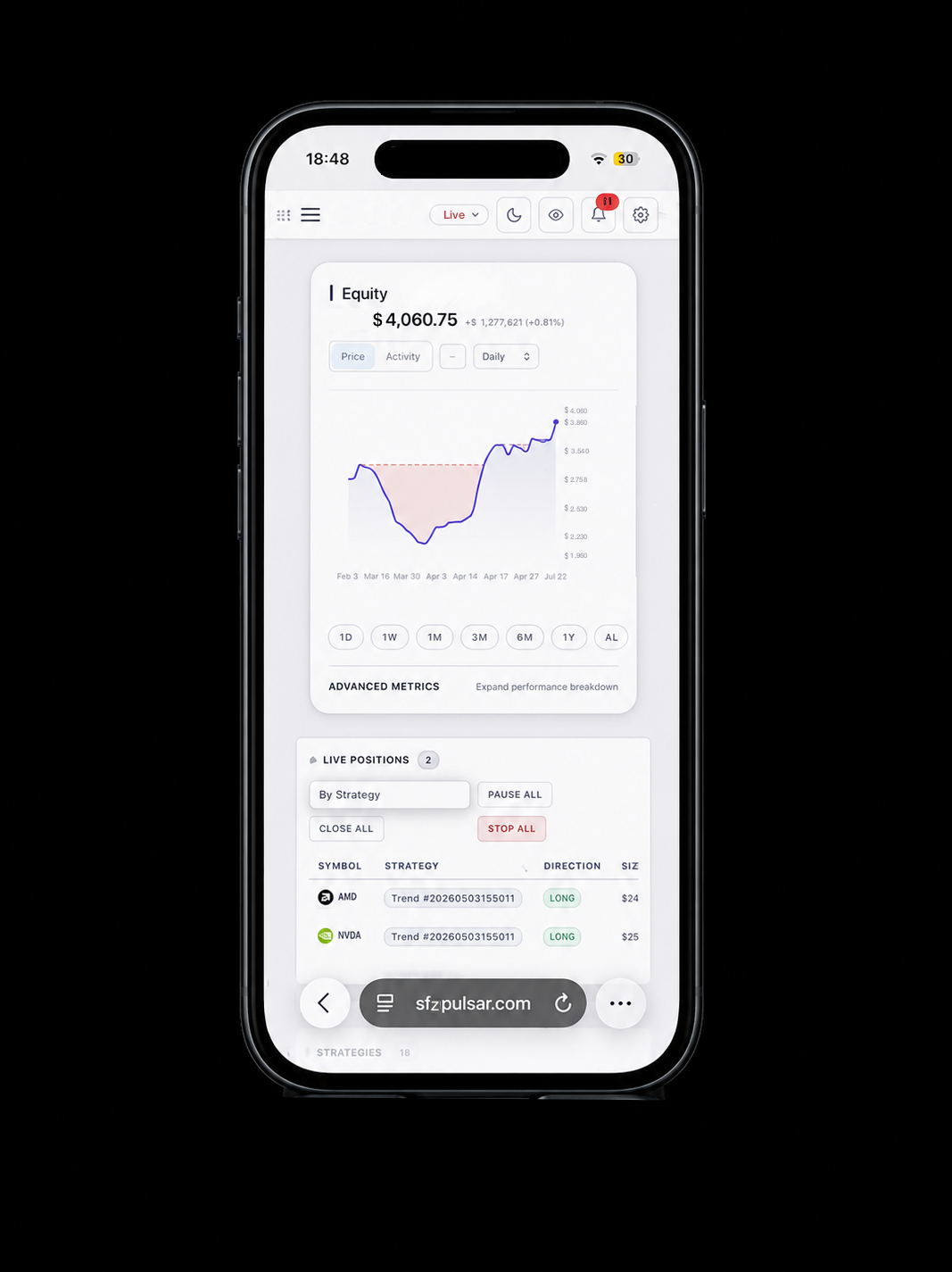
05 — Portfolio & Live Trading
Deploy to paper or live, and keep the controls.
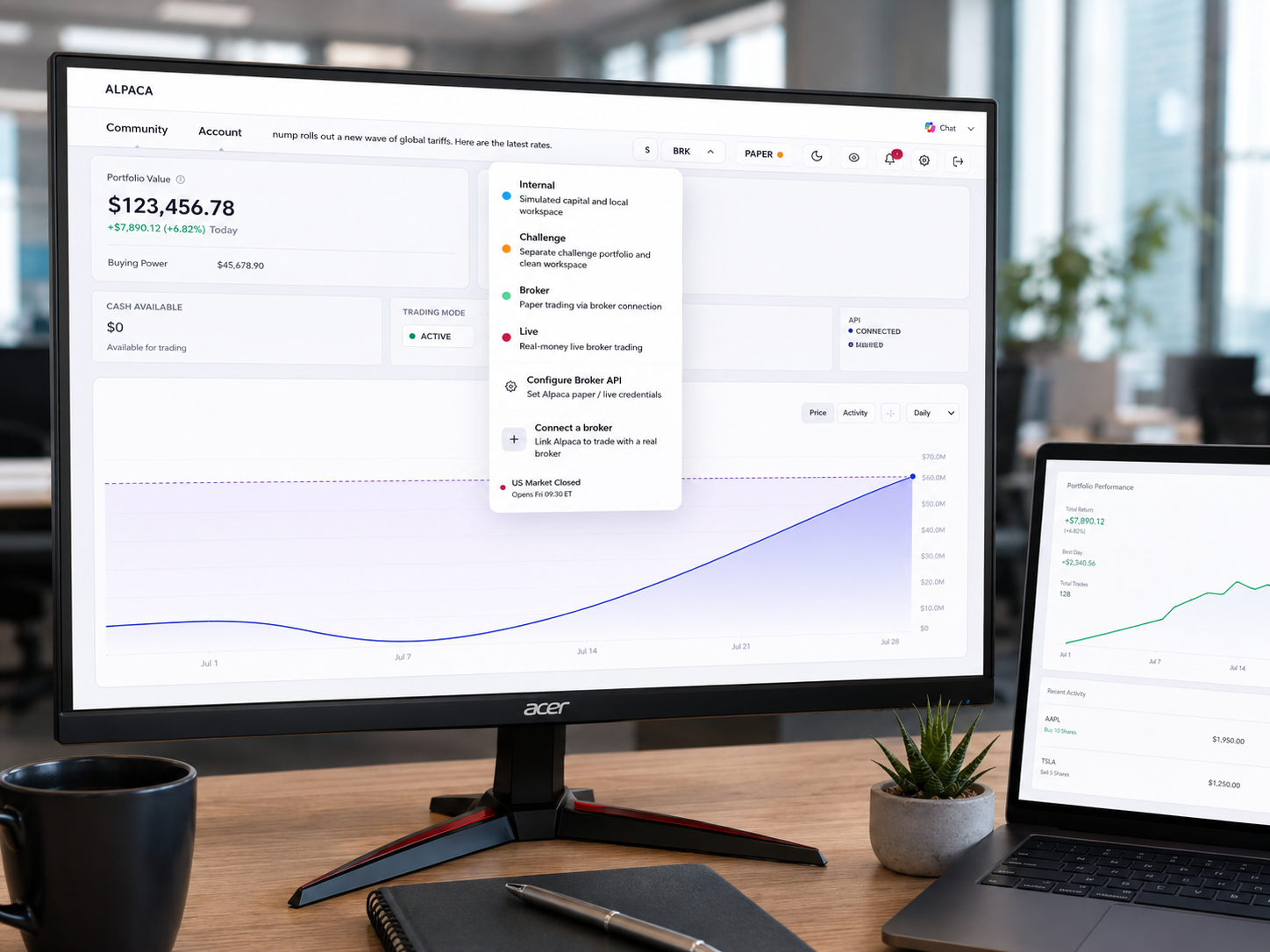
Switch between simulated capital, a clean challenge workspace, broker paper trading and real-money execution. Positions, strategy activity and equity stay on one screen.
Start building your first strategy.
Pulsar is in closed beta. Create an account, or tell us what you are trying to build and we will get you in.
Trading involves substantial risk of loss. Past and simulated performance are not indicative of future results.